 Mukesh@gmail.com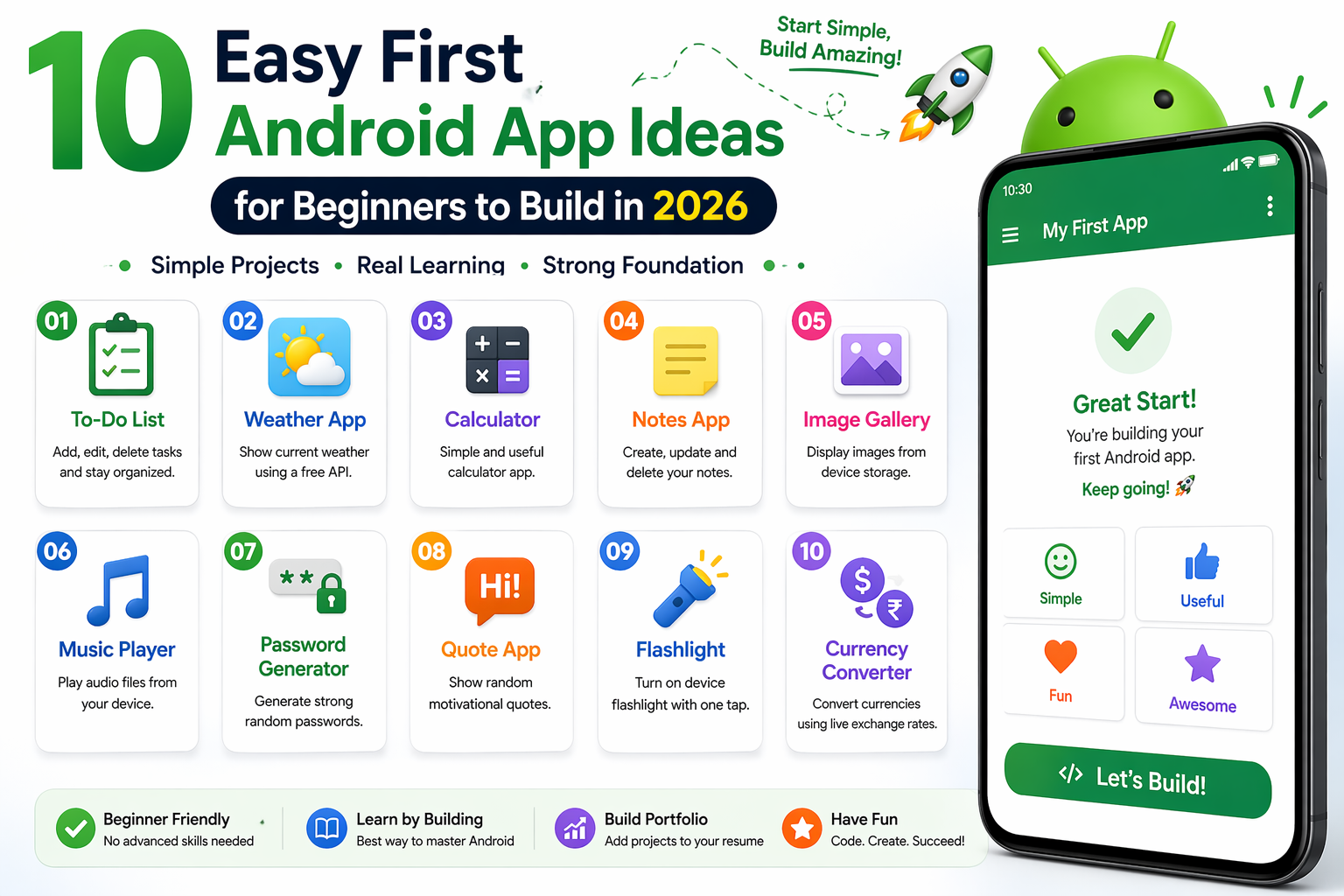
One of the biggest blockers for Android beginners isn’t actually learning to code. It’s deciding what to build. You open Android Studio, you’ve watched a few tutorials, you roughly understand what a Composable is — and then you stare at the “New Project” screen for twenty minutes because you genuinely have no idea what app to make.
Picking the wrong first project is a real risk. Too simple and you don’t learn anything meaningful. Too complex and you get overwhelmed halfway through and abandon it entirely. The sweet spot is a project that feels real, covers the core concepts you need to practice, and is actually completable within a few weeks of focused work.
These 10 Android app ideas for beginners hit exactly that sweet spot — and each one is described with what you’ll learn building it, not just what it does.
What Makes a Good First App Idea?
Before the list, it’s worth being clear about what to look for. A solid beginner project should involve displaying a list of items, because LazyColumn and state management with lists covers a huge portion of real Android development. It should require storing data, because learning Room or DataStore early is genuinely valuable. It should have at least two screens, because navigation is a fundamental skill. And it should be something you’d actually use, because motivation stays higher when you care about the product.Android App Ideas for Beginners
Avoid ideas that require user accounts, real-time data, maps, or payment processing for your first project. Not because those things are impossible — but because they introduce complexity that overwhelms the fundamentals you’re still building.
1. Personal Reading Tracker
What it does: Add books you want to read, mark them as currently reading or finished, and see your reading history.
What you’ll learn: This is arguably the ideal first app from the list of Android app ideas for beginners. You’ll build a LazyColumn displaying book items, represent different states using a sealed class or enum, practice Room for permanent storage, and implement basic filtering to switch between lists.
The data model is simple — a book has a title, author, status, and maybe a date finished. But the interactions are rich enough to touch most core Android concepts without getting overwhelming.
Stretch goal: Add a reading progress percentage for books you’re currently reading.
2. Habit Tracker
What it does: A daily checklist of habits — drink water, exercise, read, meditate — where you mark each one done and see a streak count.
What you’ll learn: Date handling in Kotlin, which almost every real app needs. Storing daily completion records in Room. Calculating streaks requires actual logic — comparing today’s date against previous completion dates — which teaches you to write meaningful business logic rather than just wiring up UI elements.
The visual satisfaction of checking off habits also makes this one of those Android app ideas for beginners that you’ll genuinely use while you’re building it.
Stretch goal: Add a simple bar chart showing completion rates over the last seven days using Compose Canvas or a charting library.
3. Expense Logger
What it does: Log daily expenses with a category, amount, and optional note. See a total for the current month and a list of recent transactions.
What you’ll learn: Working with numbers and currency formatting. Grouping and filtering data from Room. Basic aggregation — summing a list of values. Category selection teaches you how to implement dropdown menus or chip selection in Compose.
This project closely resembles real-world apps in its data structure and display requirements. Interviewers recognize expense trackers as a meaningful portfolio project.
Stretch goal: Add a breakdown by category showing what percentage of spending went to food, transport, entertainment, and so on.
4. Water Intake Reminder
What it does: Track how many glasses of water you’ve drunk today against a daily goal. Each tap adds one glass. Resets automatically at midnight.
What you’ll learn: This one is deceptively educational among Android app ideas for beginners. The midnight reset teaches date comparison logic. The goal versus current count teaches progress display using LinearProgressIndicator. Using DataStore — Android’s modern SharedPreferences replacement — for simple persistent values is a skill this project exercises naturally.
It’s also small enough to build in a week, which is excellent for building confidence before tackling larger projects.
Stretch goal: Add Android notifications to remind the user to drink water at set intervals using WorkManager.
5. Simple Notes App
What it does: Create, edit, and delete text notes. See all notes in a list sorted by last modified date.
What you’ll learn: The classic beginner project for good reason. Full CRUD operations — Create, Read, Update, Delete — in Room. Navigation between a list screen and a detail/edit screen. Handling text input properly, including keyboard behavior and focus management in Compose.
The edit screen specifically teaches you how to load existing data into form fields, modify it, and save the changes — a pattern that appears in virtually every real app ever built.
Stretch goal: Add search that filters notes by title as you type.
6. Workout Logger
What it does: Log workouts by date. Each workout has a name and a list of exercises with sets and reps. View past workouts in a history list.
What you’ll learn: A slightly more complex data model — a workout contains multiple exercises, which is a one-to-many relationship in the database. Implementing this in Room with @Relation teaches relational database concepts directly applicable to professional Android work.
Nested lists in Compose — a LazyColumn of workouts where each workout has its own list of exercises — is also a meaningful UI challenge worth experiencing early.
Stretch goal: Show progress over time for a specific exercise by tracking the max weight lifted per session.
7. Quote Collection
What it does: Save inspiring quotes with their author. Swipe to delete. A random quote button shows a random item from your collection.
What you’ll learn: Swipe-to-dismiss in Compose using SwipeToDismissBox — a gesture interaction more complex than simple taps. Implementing the random selection logic. Sharing a quote via Android’s share sheet using an implicit Intent gives you your first taste of inter-app communication.
The share feature is small but satisfying — it makes the app feel genuinely useful rather than just a learning exercise.
Stretch goal: Add categories — motivation, humor, wisdom — and filter by category.
8. Grocery List
What it does: Create a shopping list with items and quantities. Check items off as you shop. Clear checked items when done.
What you’ll learn: Checkbox state management across recompositions. Bulk operations — the “clear checked” button modifies multiple database records at once. Quantity controls with plus and minus buttons teach you how to handle numeric input without a keyboard.
Among all Android app ideas for beginners, this one has obvious immediate utility. You’ll genuinely use it next time you go shopping.
Stretch goal: Add multiple lists — “Weekly Shop,” “Party Supplies” — with navigation between them.
9. Pomodoro Timer
What it does: A 25-minute work timer followed by a 5-minute break. Shows a countdown, lets you start, pause, and reset. Tracks how many Pomodoros you’ve completed today.
What you’ll learn: Timer logic using CountDownTimer or a coroutine-based approach. This is your first real encounter with ongoing background behavior in Android. Keeping the timer running while the app is backgrounded — or deciding not to — teaches you about Android lifecycle and services in a very practical way.
Animated countdown display using Compose’s animation APIs makes the UI engaging and teaches basic Compose animation as a bonus.
Stretch goal: Add a notification that fires when the timer completes so the user knows to take a break even if the phone is locked.
10. Mood Journal
What it does: Log your mood once a day — happy, okay, sad, anxious, energized — with an optional note. See a calendar-style history of past moods.
What you’ll learn: Representing mood as an enum in Kotlin and storing it in Room. Displaying a grid layout using LazyVerticalGrid. Date-based data retrieval from Room. Emoji or icon selection for mood input is a simple but satisfying UI interaction.
The calendar view — even a basic one showing one colored circle per day — introduces custom drawing in Compose using Canvas, which opens up a whole category of UI possibilities.
Stretch goal: Show a mood trend chart for the last 30 days.
How to Choose From This List
If you genuinely can’t decide, here’s a simple filter: pick the one you would actually install on your phone if someone else had built it. Personal investment in the product makes a real difference when you’re debugging at midnight and tempted to give up.
All ten of these Android app ideas for beginners use the same core skills — Room for storage, LazyColumn for lists, navigation between screens, ViewModel for state management. The difference is just flavor and specific challenges.
For deeper guidance on structuring these projects properly, the official Android architecture guide is worth reading before you start. And if you want to understand Room database setup in detail, the Room persistence library docs cover everything you’ll need.
Build one completely before moving to the next. A finished simple app teaches more than five half-built complex ones.
Final Conclusion
Choosing the right first project matters more than most beginners realize, and these 10 Android app ideas for beginners are all calibrated for exactly that purpose — real enough to stay motivating, scoped enough to actually finish, and technically rich enough to teach the core skills Android development genuinely requires.
Pick one today. Not tomorrow, not after one more tutorial. Open Android Studio, create the project, and write the first screen. The momentum of starting is worth more than the perfect preparation of waiting indefinitely.