 Mukesh@gmail.com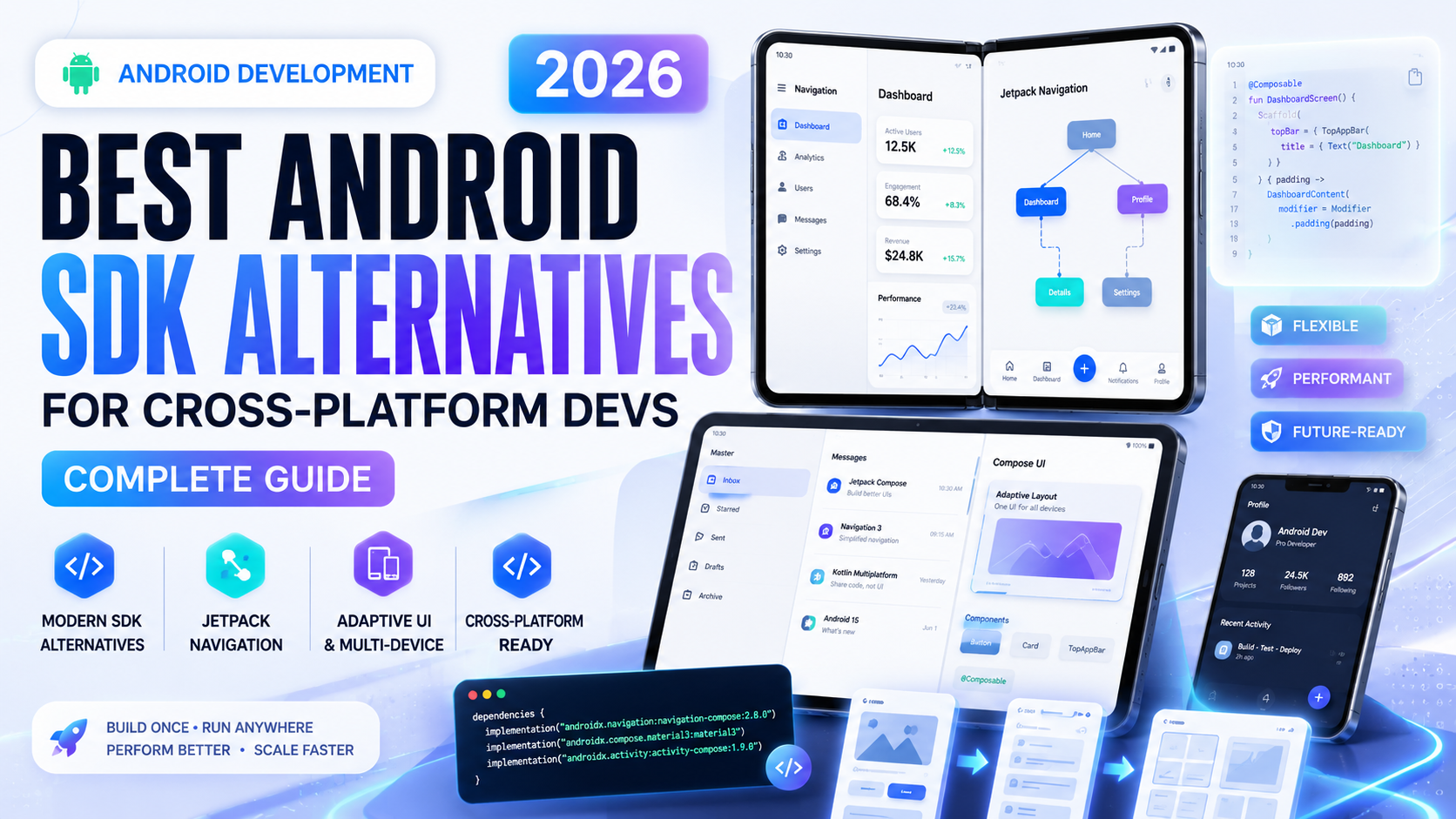
Introduction
If you’ve been building apps for a while, you already know that the standard Android SDK does a solid job — but it’s not always the most practical choice, especially when you’re trying to ship an app that works on both Android and iOS without writing everything twice.
That’s where Android SDK alternatives come in. These are development toolkits and frameworks that let you build mobile apps — including fully functional Android apps — using a single codebase. In 2026, the options are better than ever, and honestly, some of them have gotten good enough that even seasoned native developers are switching over for certain projects.
This guide is written for developers who are either new to cross-platform development or are re-evaluating their tools. We’ll walk through the most reliable Android SDK alternatives available right now, what makes each one worth considering, and what kind of projects they’re best suited for. No fluff — just practical, experience-based information.
Why Developers Look for Android SDK Alternatives
The official Android SDK is powerful, no doubt. But working with it exclusively has real-world trade-offs that become obvious once you start scaling.
First, there’s the time factor. Writing separate codebases for Android and iOS doubles your development effort. If you’re a solo dev or part of a small team, that’s simply not sustainable for most projects.
Second, the Android SDK is tightly tied to Java and Kotlin. While Kotlin is genuinely excellent, not every developer comes from a Java/Kotlin background. A web developer who knows JavaScript shouldn’t have to learn an entirely new language just to build a functional Android app.
Third — and this one matters a lot in 2026 — businesses want apps that work everywhere. Android SDK alternatives often let you deploy to Android, iOS, web, and even desktop from a single codebase. That kind of reach is hard to argue against.
That said, choosing the wrong tool can hurt you. So let’s go through the best options carefully.
Flutter – The Most Popular Android SDK Alternative Right Now
Flutter has firmly established itself as the go-to Android SDK alternative for cross-platform development. Built and maintained by Google, it uses the Dart programming language and has a component-based UI system that doesn’t rely on native platform widgets.
What Makes Flutter Stand Out
When you build an app in Flutter, you’re not wrapping native Android components — you’re drawing your own UI using a rendering engine called Skia (now migrated to Impeller). This means your app looks and behaves identically on Android and iOS, which is both a strength and a limitation depending on your project’s goals.
Flutter has excellent tooling. The hot reload feature is genuinely one of the best things to happen to mobile development — you change something in your code and see it live in under a second. For beginners and experienced devs alike, this speeds things up considerably.
Flutter’s package ecosystem has grown enormously.Android SDK alternatives Whether you need Firebase integration, local database support, or camera access, there’s usually a well-maintained package available.
Where Flutter Falls Short
The main issue with Flutter is app size. A basic “Hello World” Flutter app is around 15–20 MB. For users on budget Android devices with limited storage — which is still a huge market globally — that can be a dealbreaker.
Also, Dart is not a widely-used language outside of Flutter. If you stop using Flutter, your Dart skills have limited transferability. That’s a real concern for long-term career planning.
Still, for most cross-platform projects in 2026, Flutter remains the strongest Android SDK alternative available.
React Native – The JavaScript-Based Android SDK Alternative
React Native is backed by Meta (formerly Facebook) and has been around since 2015. It’s built on JavaScript and React, which means if you’re already a web developer, the learning curve is surprisingly manageable.Android SDK alternatives
How React Native Approaches Cross-Platform Development
Unlike Flutter, React Native actually does use native platform components. When you render a button in React Native, it’s a real Android Button or an iOS UIButton under the hood. This gives your app a more “native feel” without you having to write platform-specific code for most things.
The JavaScript bridge architecture — which was React Native’s original approach — has been mostly replaced by the New Architecture using JSI (JavaScript Interface). This makes React Native apps significantly faster than they used to be.
For teams that already use React for web development, React Native as an Android SDK alternative makes a lot of organizational sense. You’re working in a familiar language, using familiar mental models, and potentially sharing some code between web and mobile.
Practical Limitations of React Native
React Native debugging can get messy. When something breaks at the native layer — say, a third-party library that hasn’t been updated properly — the error messages aren’t always helpful. You end up digging through native Android or iOS code, which defeats part of the purpose.
Performance in complex animations or heavy graphics is also not as smooth as native Android SDK code or Flutter. For most business apps, this is fine. But if you’re building something with intensive graphics work, React Native will show its limits.
Kotlin Multiplatform – A Different Kind of Android SDK Alternative
Kotlin Multiplatform (KMP) takes a more surgical approach. Instead of replacing the UI layer, it focuses on sharing business logic — things like API calls, data parsing, and local storage — across platforms while letting you keep native UIs.
Why KMP Is Different From Other Android SDK Alternatives
This distinction matters more than it might seem at first. With Flutter or React Native, you’re essentially adopting a new runtime environment. With KMP, you’re writing Kotlin — which is already the standard language for Android — and then deciding which parts of that code can also run on iOS, desktop, or web.
For Android developers specifically, KMP is a very natural evolution. You don’t have to abandon what you already know. You just extend it.
JetBrains has invested heavily in KMP, and in 2026 it’s significantly more mature than it was two or three years ago. The tooling in Android Studio and IntelliJ is well-integrated, and the documentation has improved a lot.
Compose Multiplatform
Built on top of KMP, Compose Multiplatform lets you share UI code as well. It uses Jetpack Compose — which is already familiar to Android developers — and extends it to iOS, desktop, and web. It’s not as mature as Flutter’s rendering pipeline yet, but it’s improving fast and is a compelling Android SDK alternative for teams already deep in the Android ecosystem.
Ionic – Web Technologies as an Android SDK Alternative
Ionic is often underestimated by developers coming from a native background. It’s a framework that lets you build mobile apps using standard web technologies — HTML, CSS, and JavaScript — and then package them as native apps using a tool called Capacitor.
When Ionic Makes Sense
If your team is primarily web-focused and you need to ship a mobile app quickly, Ionic is a practical Android SDK alternative. The apps run inside a WebView, which has historically been a performance concern, but modern Android devices handle this much better than they did five years ago.
Ionic with Capacitor also gives you access to native device APIs — camera, GPS, notifications, file system — through a clean JavaScript API. The plugin ecosystem is reasonably well-maintained.
For content-heavy apps, business tools, or internal enterprise applications, Ionic performs well enough. It’s not the right choice for games or graphics-heavy apps, but for functional productivity apps, it gets the job done.
Xamarin / .NET MAUI – The C# Android SDK Alternative
If your team works in the Microsoft ecosystem and uses C#, then .NET MAUI (which replaced Xamarin) is worth a serious look as an Android SDK alternative.
MAUI lets you write C# and XAML to build apps that run on Android, iOS, macOS, and Windows. It compiles to native code on each platform, which gives it better performance than WebView-based approaches.
The integration with Visual Studio is tight and polished. If your team already uses .NET for backend services, sharing models and business logic between the backend and mobile app becomes much cleaner.
The downside is that MAUI’s community is smaller compared to Flutter or React Native. Finding help online or finding maintained third-party packages is harder. For solo developers or small teams, that’s a real operational challenge.
How to Choose the Right Android SDK Alternative for Your Project
With all these options, the decision can feel overwhelming. Here’s a practical way to think through it.
Start with your team’s existing skills. If you have JavaScript developers, React Native or Ionic will have a much shorter ramp-up time. If you have Android developers already writing Kotlin, KMP or Compose Multiplatform is the natural next step. Flutter requires learning Dart, but it’s a small language that most developers pick up in a few weeks.
Think about the type of app you’re building. Content-heavy apps with standard UI patterns work well in any of these frameworks. Games, AR features, or anything with heavy graphics — consider whether native Android SDK or Flutter (which has its own rendering engine) is more appropriate.
Consider long-term maintenance. Flutter and React Native have the largest communities. More developers know these tools, which means easier hiring and more resources when you hit a problem.
Don’t underestimate ecosystem maturity. For most real-world Android apps, all of the Android SDK alternatives listed here are mature enough to ship production-quality software in 2026. The question is which one fits your workflow, not which one is “good enough.”
A Quick Comparison of Android SDK Alternatives
Here’s a simplified breakdown based on practical use:
| Framework | Language | UI Approach | Best For |
|---|---|---|---|
| Flutter | Dart | Custom renderer | Full cross-platform apps |
| React Native | JavaScript | Native components | Teams with JS/React experience |
| Kotlin Multiplatform | Kotlin | Native or Compose | Android-first teams |
| Ionic + Capacitor | HTML/CSS/JS | WebView | Web teams, business apps |
| .NET MAUI | C# | Native + XAML | Microsoft/.NET shops |
Things to Keep in Mind Before Migrating
If you’re currently using the native Android SDK and considering a switch, don’t migrate an existing working app just because a newer tool exists. Migration has real costs — time, bugs introduced during transition, retraining your team.
The best time to adopt an Android SDK alternative is when starting a new project, or when you’re building a companion app for an existing product that needs to also run on iOS.
Also, test your chosen framework on mid-range Android devices, not just flagships. Performance issues often only show up on lower-end hardware, which is still the dominant hardware segment in many markets including South and Southeast Asia.
Final Conclusion
The native Android SDK is still a solid foundation, but in 2026, Android SDK alternatives have matured to a point where they’re genuinely competitive for most real-world projects. Flutter leads in terms of community, tooling, and cross-platform reach. React Native is a strong second if your team is JavaScript-heavy. Kotlin Multiplatform is the smartest path for teams already invested in the Android ecosystem. And Ionic remains a practical, underrated option for web-focused teams.
The right Android SDK alternative is the one that fits your team, your timeline, and your app’s requirements — not the one with the most hype. Take your time evaluating, build a small prototype if possible, and make the decision based on real experience rather than trends.
For deeper official documentation, you can explore Flutter’s official developer docs and Kotlin Multiplatform’s official site — both are well-maintained and beginner-friendly.