 Mukesh@gmail.com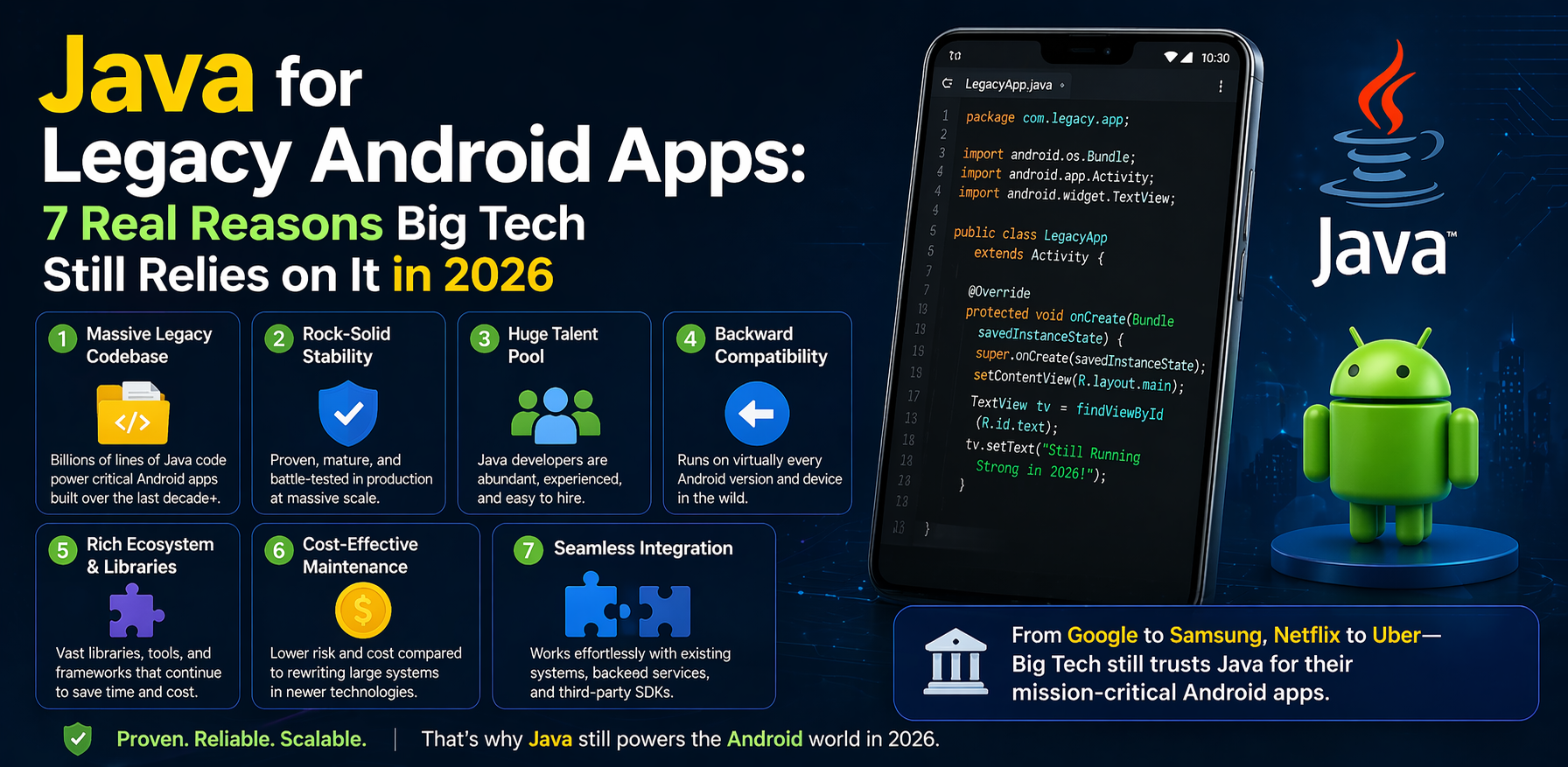
Introduction
If you’ve ever looked at a job listing from Google, Amazon, or Samsung and noticed they still want Java developers for Android work, you might’ve done a double take. Kotlin is everywhere now. It’s modern, cleaner, and Google itself officially recommends it. So why haven’t these companies just moved on?
The truth is, Java for legacy Android apps isn’t going anywhere — at least not quickly. Big tech companies are not being stubborn or old-fashioned. There are very real, very practical reasons they keep Java alive in their Android codebases. Some of those reasons are technical. Some are financial. And some are just… the reality of building software at a massive scale.
This article breaks it all down — in plain language, without jargon overload.
What “Legacy Android Apps” Actually Means
Before we get into the why, let’s clear up what “legacy” actually means in this context.
A legacy Android app isn’t necessarily old or broken. It’s simply an app that was built before Kotlin became mainstream — roughly before 2017 — and still has a large portion of its codebase written in Java. Think of apps like early versions of Google Maps, LinkedIn, or banking apps that were first built around 2011–2014.
These apps didn’t stop working when Kotlin arrived. They just kept growing — new features added on top of old Java code. Over time, that creates what developers call a “mixed codebase.”
Java for legacy Android apps is, in many cases, the foundation that newer features are built on top of.
The Sheer Size of Existing Java Code
One of the biggest reasons big tech companies stick with Java for legacy Android apps is simply the volume of code that already exists.
Imagine you’ve been building a house for 10 years. Millions of bricks are already laid. Replacing the foundation while people are still living inside is… not straightforward.
Companies like Facebook (now Meta) or Uber have millions of lines of Java code in their Android apps. Rewriting all of that in Kotlin isn’t a weekend project. It would take years of engineering work, careful testing, and real financial investment — and the business case has to be there to justify that.
So the practical decision is often: keep the Java for legacy Android apps running, migrate gradually, and only rewrite what genuinely needs to change.
H3: Interoperability Between Java and Kotlin Helps
Here’s something a lot of people don’t realize — Kotlin and Java are fully interoperable on Android. A Kotlin file can call Java classes, and a Java file can call Kotlin functions. They compile down to the same bytecode on the JVM (Java Virtual Machine).
This interoperability is actually one of the reasons migration isn’t urgent. Teams can write new features in Kotlin while the old Java code continues to work perfectly. There’s no “switch” moment where the entire app breaks.
Java Developers Are Everywhere
Let’s talk about something that doesn’t get mentioned enough: hiring.
Java is one of the most widely taught programming languages in universities around the world — including in India, the US, Europe, and Southeast Asia. When a company needs to hire 50 Android developers quickly, finding Java-fluent engineers is significantly easier than finding Kotlin-specialist developers.
This is especially true for companies with large engineering teams spread across multiple countries. Using Java for legacy Android apps means a broader talent pool, faster hiring, and less time onboarding new engineers.
That’s a real business advantage, not just technical inertia.
Stability and Proven Track Record
There’s a reason senior engineers often say: “if it’s not broken, don’t fix it.”
Java has been around since 1995. It’s been tested in environments that are genuinely extreme — banking systems, aerospace software, real-time trading platforms. When it comes to Android development, Java has been part of the platform since the very beginning (Android was first released in 2008).
That kind of track record builds trust. Engineers and tech leads at big companies know exactly how Java will behave under different conditions. They know the edge cases. They know the bugs. They know the libraries.
Switching to Kotlin means relearning some of those edge cases from scratch. For a consumer-facing app used by 500 million people, that uncertainty matters.
Java for legacy Android apps isn’t just a technical choice — it’s a risk management decision.
Third-Party Libraries Still Written in Java
Here’s a practical reality that’s easy to overlook.
Many of the most popular Android libraries — especially older ones used in enterprise and legacy systems — were originally written in Java. Things like certain database adapters, payment SDKs, device management tools, and telecom APIs sometimes only offer Java-based documentation or Java-native SDKs.
When your app depends on 30 or 40 third-party libraries, and many of them are Java-native, your migration plan gets complicated fast.
For more on how Android library dependencies work, the official Android developer documentation is a great place to start understanding build configurations.
This doesn’t mean it’s impossible — Kotlin can call Java libraries just fine. But it adds layers of complexity that many teams prefer to avoid unless there’s a strong reason to change.
Large-Scale Testing Infrastructure Is Built Around Java
Testing is one of the most underrated reasons big tech keeps Java for legacy Android apps in production.
Major companies don’t just have code — they have massive automated testing systems. Thousands of unit tests, integration tests, UI tests, regression suites. These testing frameworks were often built years ago using Java-based tools like JUnit, Espresso, and Mockito.
Migrating the app code is one thing. Migrating years of test infrastructure is a separate (and often more painful) challenge.
Many engineering teams at large companies have made a pragmatic call: keep the tests in Java, keep the core logic in Java, and introduce Kotlin only in newer, self-contained modules where the testing infrastructure can be set up fresh.
For a deeper look at Android testing approaches, the Android Testing Guide offers a thorough breakdown by Google itself.
The Gradual Migration Strategy Is Smart, Not Lazy
There’s a misconception that companies still using Java for legacy Android apps are somehow behind the times. That’s not really accurate.
Most of these companies are actively migrating — just slowly and deliberately. Google’s own internal tools and apps have been going through partial migrations for years. They don’t flip a switch. They migrate module by module, feature by feature.
This phased approach actually reduces risk considerably:
- Teams can learn Kotlin on smaller, lower-stakes modules first
- New features get written in Kotlin, giving engineers practice
- Old Java code gets rewritten when it needs significant changes anyway
- Testing pipelines are updated incrementally
It’s not glamorous, but it’s how you maintain a stable app for hundreds of millions of users while still moving toward a better codebase.
Android’s Own History Is Java’s History
There’s a deeper layer to this that’s worth understanding.
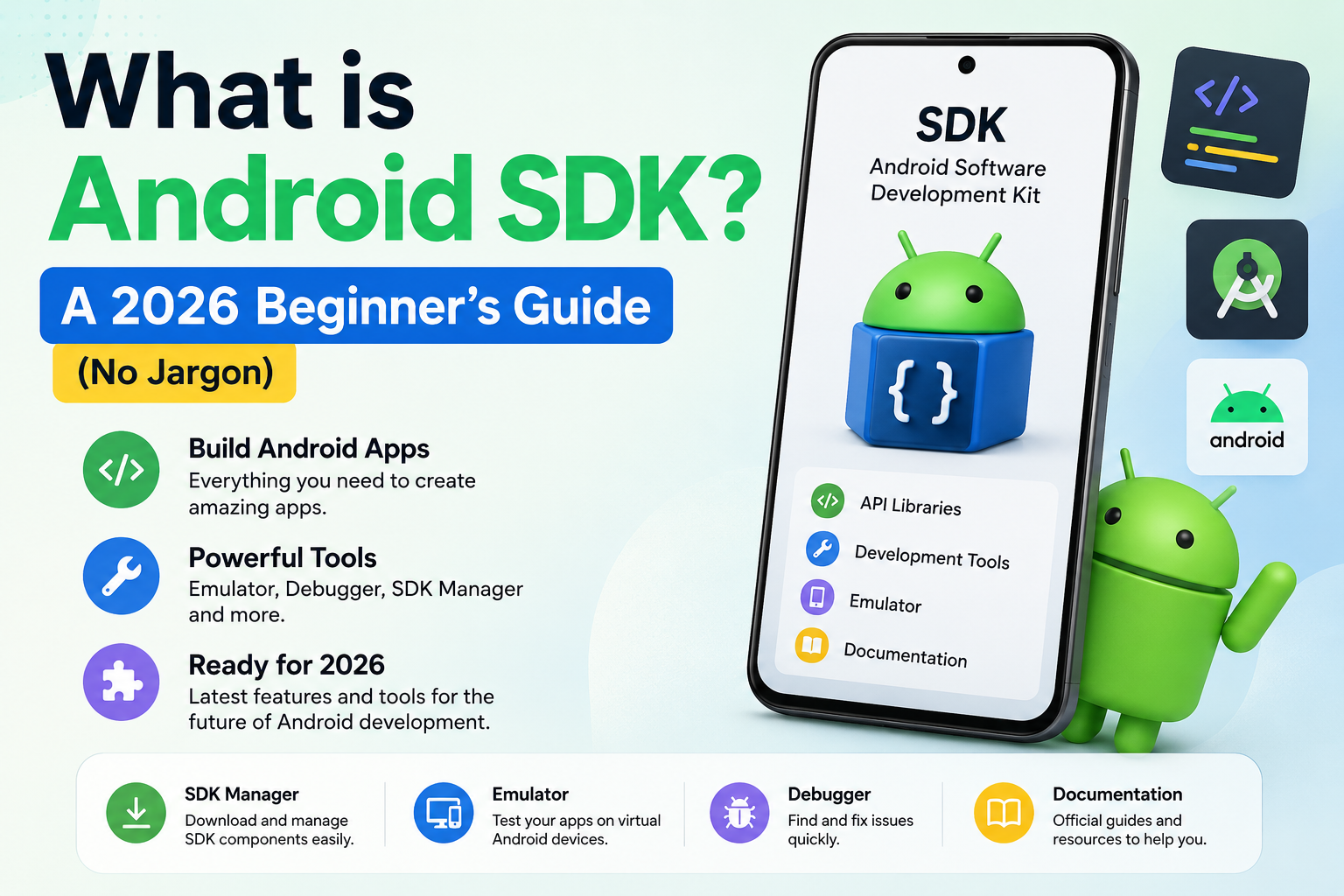
Android’s entire early API design — the way Activities work, how Intents are structured, how Services run in the background — was designed with Java in mind. The Android SDK (Software Development Kit) was Java-first for its first 9+ years.
Even today, when you look at official Android documentation for older APIs, the examples are often shown in Java first. That’s not an accident. These APIs were literally designed around how Java developers think and work.
When you’re maintaining an app that relies heavily on older Android APIs, Java for legacy Android apps just fits more naturally. The mental model lines up. The error messages make more sense. The StackOverflow answers (and yes, engineers use those) are written in Java.
What This Means for You as a Developer
If you’re learning Android development today, you’re probably wondering whether to focus on Java or Kotlin. Honestly? Learn Kotlin first for new projects. It’s the future direction.
But don’t ignore Java entirely — especially if you want to work at a large company or contribute to open-source Android projects. Understanding Java for legacy Android apps will help you read existing codebases, maintain older modules, and work on teams that haven’t fully migrated.
Final Conclusion
So why do big tech companies still use Java for legacy Android apps in 2026? Because software at scale doesn’t change overnight. There’s existing code, existing tests, existing teams, and existing tools — all built around Java. Moving away from it carries real costs and real risks.
That doesn’t mean Java is better than Kotlin. It just means that for companies with decade-old Android codebases, the smart move is a deliberate, phased migration — not a dramatic rewrite.
Understanding this reality helps developers make better career decisions and helps beginners see the full picture of professional Android work. The industry isn’t stuck in the past. It’s just being thoughtful about how it moves forward.