 Mukesh@gmail.com
Introduction
One of the things that quietly frustrates Android developers — especially those coming from a Java background — is memory leaks. Your app seems fine during testing. Then users start reporting sluggishness, battery drain, or random crashes. You dig in, and there it is: a thread still running after the user already closed the screen.
Kotlin Coroutines vs Java Threads is a comparison that matters deeply in this context. It’s not just about syntax preference or which one looks cleaner in code review. It’s about how each approach handles the lifecycle of background tasks and what happens when things go wrong — which, in Android development, they almost always do at some point.
In 2026, with Android apps being expected to be smoother, more battery-efficient, and more stable than ever before, understanding this comparison isn’t optional for serious developers. This guide walks through it practically, without drowning you in computer science theory.
What Are Threads and Why Do They Cause Problems in Android?
Before getting into Kotlin Coroutines vs Java Threads, you need a solid mental picture of what threads actually do in an Android context.
When you open a banking app and tap “Check Balance,” something has to go off to the internet, fetch data, and bring it back. That work can’t happen on the main thread — the one responsible for drawing your UI — because it would freeze the entire screen.
So Android uses background threads for this. A thread is basically a separate track of execution running alongside your main app. Java’s Thread class and ExecutorService have been the traditional way to create and manage these tracks.
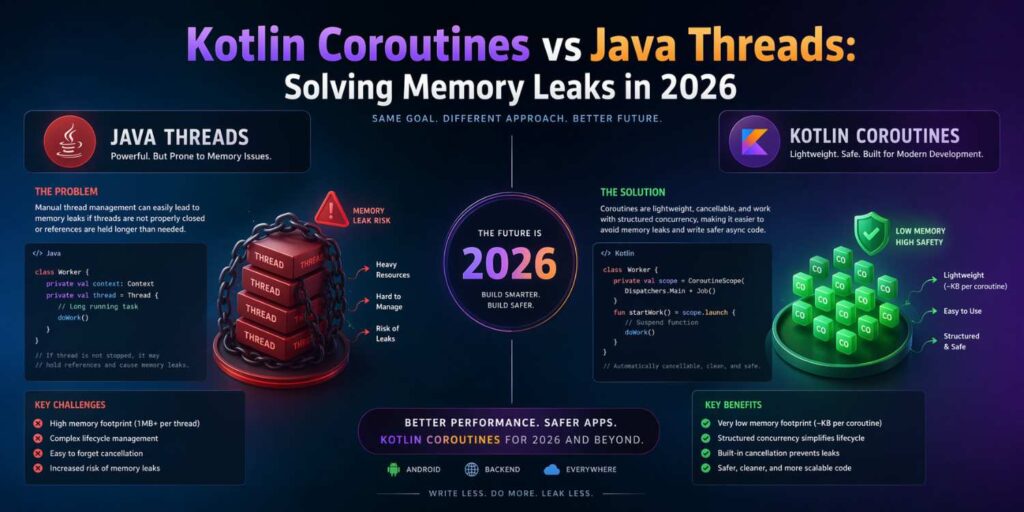
The problem? Threads in Java are “heavy.” Each one consumes real OS-level resources. And if you’re not careful about when you start them and — more importantly — when you stop them, they keep running even when they shouldn’t.
Imagine a user opens a product detail screen in a shopping app. A Java thread starts fetching product reviews from the server. The user immediately hits the back button. If you haven’t written explicit cancellation logic, that thread keeps running in the background, holding references to UI components that no longer exist. That’s a memory leak — and it’s surprisingly easy to create.
Kotlin Coroutines vs Java Threads – The Core Difference
Here’s where Kotlin Coroutines vs Java Threads gets genuinely interesting.
Coroutines are not threads. That’s the first thing to understand. They’re lighter-weight units of work that run on a shared pool of threads. You can launch thousands of coroutines without the performance cost of launching thousands of OS threads. That alone makes them practical for apps that do a lot of concurrent work.
But the more relevant difference for memory leaks is structured concurrency.
In Java, when you launch a thread, it runs independently. It has no inherent awareness of Android’s activity or fragment lifecycle. You have to manually track it, cancel it, and clean up after it. If you forget — even once — you get a leak.
Kotlin Coroutines introduced the concept of a CoroutineScope. A scope is like a boundary. Coroutines launched inside a viewModelScope, for example, are automatically cancelled when the ViewModel is cleared. You don’t have to write cancellation logic by hand. The scope handles it for you.
This is the fundamental reason Kotlin Coroutines vs Java Threads tends to resolve in favor of coroutines for Android UI work: the memory safety is structural, not something you have to remember to implement.
How Java Threads Actually Cause Memory Leaks – Real Examples
Let’s make this concrete, because the theory only goes so far.
Say you have an Android activity that loads user data from an API when it opens. In Java, a developer might use an AsyncTask (now deprecated) or spin up a raw thread like this mentally: create a thread, inside the thread make the network call, then post back to the main thread to update the UI.
The danger is in that “post back” step. If the activity has been destroyed by the time the thread finishes — maybe the user rotated the screen, or navigated away — your thread still has a reference to the old activity object. The garbage collector can’t clean it up because something (the thread) is still holding onto it.
This is a textbook Kotlin Coroutines vs Java Threads scenario where Java’s approach demands more from the developer. You need to add a flag like isDestroyed, check it before touching the UI, and handle the cleanup yourself. Forget any one of these steps and you’ve introduced a leak.
In larger projects with multiple developers, these kinds of leaks accumulate. LeakCanary — the popular Android memory leak detection library — often lights up with exactly these thread-related leaks in Java-heavy codebases.
How Kotlin Coroutines Prevent Leaks Through Structured Concurrency
When comparing Kotlin Coroutines vs Java Threads, the concept of structured concurrency deserves its own section because it changes everything.
In Kotlin, when you launch a coroutine inside viewModelScope.launch { }, you’re telling the system: “This coroutine belongs to this ViewModel’s lifecycle.” When the ViewModel is cleared — which happens when the user permanently leaves that screen — all coroutines in that scope are automatically cancelled.
No manual flags. No checking isDestroyed. No AsyncTask post-cancellation workarounds. The scope does the work.
The same applies to lifecycleScope inside activities and fragments. This scope is tied to the lifecycle of the component. When the component is destroyed, the scope cancels its children. It’s a safety net that’s built into the architecture.
This doesn’t mean coroutines are entirely leak-proof — if you launch a coroutine in GlobalScope (which has no lifecycle awareness), you’ve recreated the same problem as raw Java threads. But that’s a deliberate misuse. The default patterns in modern Android development steer you away from that.
Cancellation Behavior – Coroutines vs Threads Under the Hood
One subtle but important aspect of Kotlin Coroutines vs Java Threads is how cancellation actually works mechanically.
Java threads can’t be cancelled cleanly mid-execution. You can call Thread.interrupt(), but the thread has to actively check for that interruption. If the thread is deep inside a blocking network call and doesn’t check the interrupt flag, it keeps going.
Kotlin coroutines use cooperative cancellation. Standard coroutine suspension points — like delay(), withContext(), or any suspend function from Kotlinx coroutines — automatically check for cancellation. When a scope is cancelled, any coroutine suspended at one of these points stops immediately and cleans up via structured exception handling.
This makes real-world cancellation dramatically more predictable. In a chat application, for example, if a coroutine is waiting for the next message while the user closes the chat screen, it stops cleanly. The same scenario with a Java thread requires significantly more boilerplate to achieve the same result.
Memory Usage – Kotlin Coroutines vs Java Threads at Scale
This section matters especially if you’re building an app that does a lot of concurrent background work — like syncing data, downloading files, or listening for real-time updates.
Each Java thread consumes roughly 512KB to 1MB of stack memory by default on Android. Launch 50 concurrent threads in a poorly designed app and you’ve allocated 25–50MB just for thread stacks. On low-end Android devices — which still make up a significant share of the global Android user base — this can cause real performance problems.
Coroutines are dramatically lighter. You can run thousands of them using just a handful of underlying threads because they suspend rather than block. A coroutine waiting for a network response doesn’t hold a thread hostage — it suspends, frees the thread for other work, and resumes when the response arrives.
In the Kotlin Coroutines vs Java Threads comparison, this difference is especially visible in apps targeting budget Android phones in markets where mid-range and entry-level devices dominate.
When Java Threads Still Make Sense in 2026
Being fair here — Kotlin Coroutines vs Java Threads isn’t a discussion where one side is completely obsolete.
There are situations where Java threads remain practical. If you’re working on a long-running background service that’s intentionally decoupled from any UI lifecycle — say, a file processing engine or a hardware interface layer — raw threads or ExecutorService can be perfectly appropriate. They’re predictable and low-level in a way that’s sometimes exactly what you need.
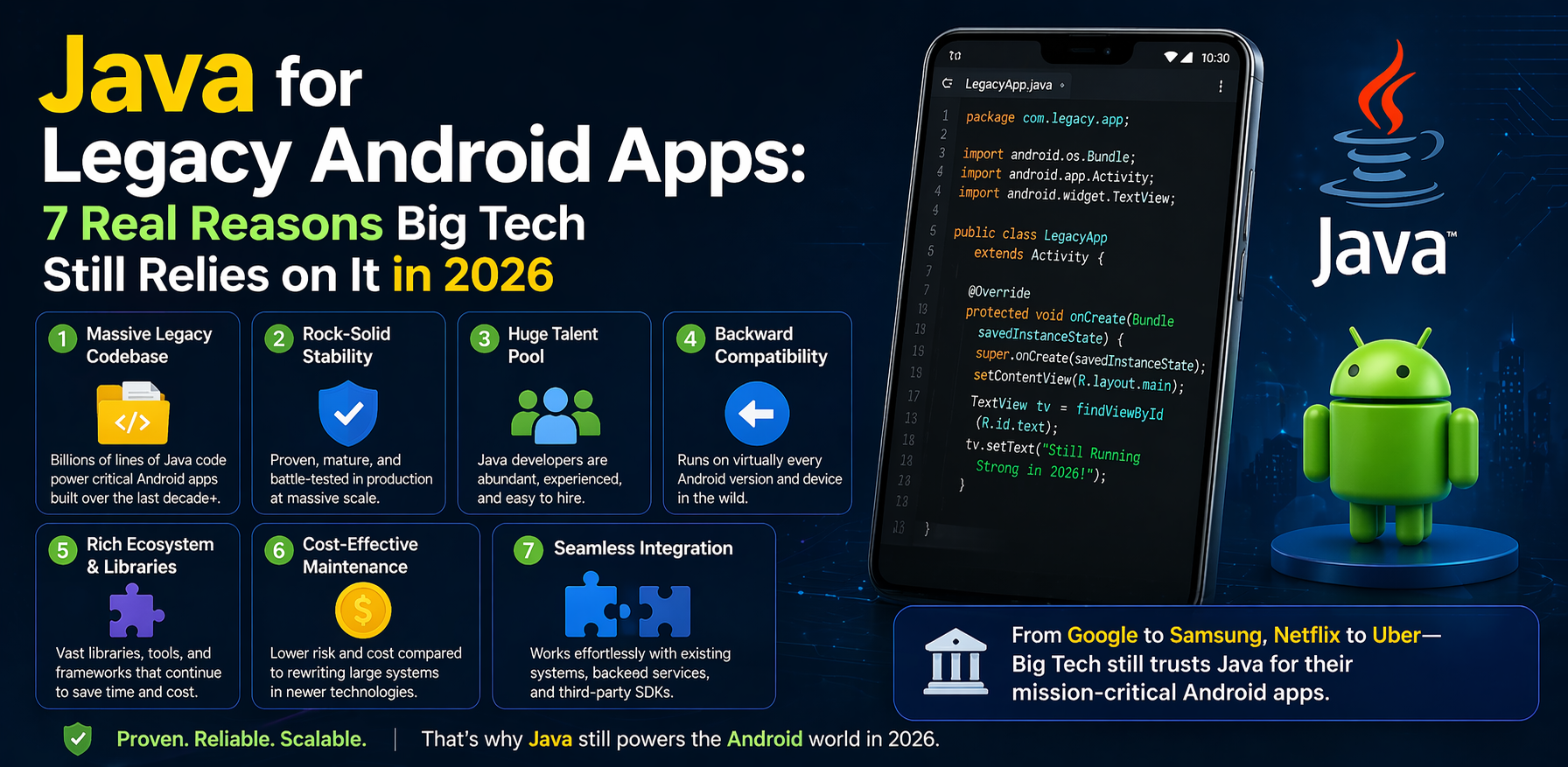
Legacy codebases are another reality. Many teams maintain large Java Android projects where introducing coroutines everywhere isn’t practical or justifiable just to follow trends. In those cases, writing careful thread management code in Java is a completely valid professional approach.
The key is knowing when each tool fits, rather than applying one blanket rule.
Practical Advice – What Should You Use in 2026?
For new Android projects in 2026, the practical answer is clear: use Kotlin Coroutines for all async and background work that interacts with the UI or Android lifecycle.
Pair them with the right scopes:
viewModelScopefor ViewModel-level async worklifecycleScopefor UI-related coroutines in activities and fragments- A custom
CoroutineScopewithSupervisorJobfor background services
Avoid GlobalScope unless you genuinely understand why you’re using it and have a plan for cleanup.
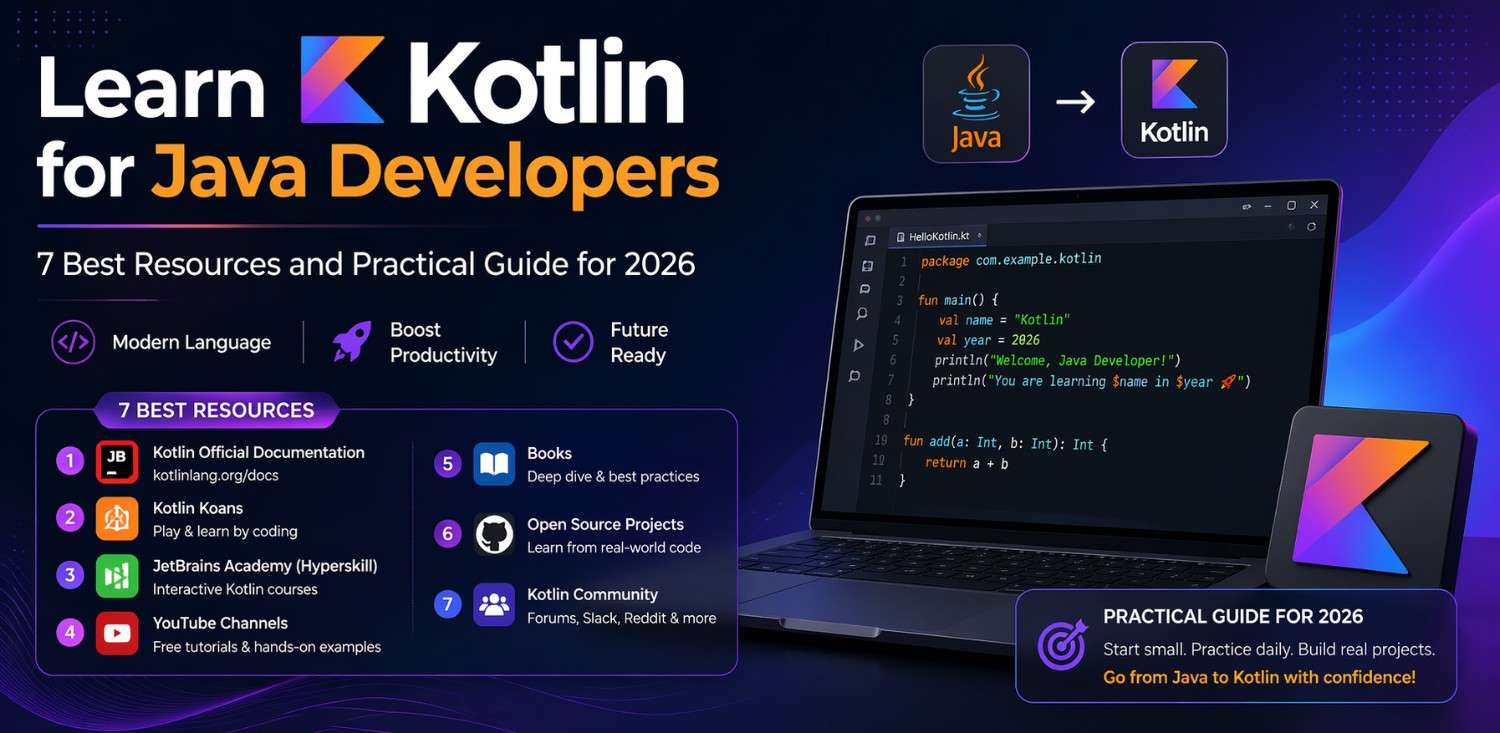
If you’re migrating from Java, start small. You don’t have to rewrite everything at once. Pick one feature — maybe the login screen’s API call — and convert it to a coroutine. Learn the pattern in a low-risk area before rolling it out broadly.
The official Kotlin Coroutines guide is surprisingly readable even for beginners. And the Android Developer docs on coroutines include practical examples with ViewModels and LiveData that map directly to real app patterns.
For detecting existing leaks in your current project, LeakCanary remains the go-to tool in 2026 — it’s free, integrates in minutes, and will tell you exactly where thread-related leaks are happening.
Kotlin Coroutines vs Java Threads – A Summary Table for Quick Reference
Sometimes you just need a quick reference. Here’s how the two compare across the things that matter most for everyday Android development:
Lifecycle Awareness: Coroutines with scopes are lifecycle-aware by default. Java threads have none unless you add it manually.
Memory Overhead: Coroutines are lightweight and can scale to thousands. Java threads are heavy and limited in practical numbers.
Cancellation: Coroutines cancel cooperatively and cleanly. Java threads require manual interrupt handling.
Code Verbosity: Coroutines result in significantly less boilerplate for async tasks. Java threading code tends to be verbose and harder to read.
Leak Risk: Lower with coroutines when standard patterns are followed. Higher with Java threads without careful lifecycle management.
This is why the Kotlin Coroutines vs Java Threads conversation keeps coming up — they genuinely produce different outcomes in production.
Final Conclusion
The debate around Kotlin Coroutines vs Java Threads isn’t really about language loyalty or personal preference. It’s a practical conversation about writing Android apps that don’t leak memory, don’t crash unexpectedly, and don’t drain users’ batteries with zombie background work.
Java threads gave Android developers powerful tools for years. But the manual lifecycle management they demand has always been a source of bugs — especially for teams building at speed. Kotlin Coroutines changed the calculus by making safe async programming the default path rather than something you had to build yourself.
In 2026, if you’re writing new Android code and haven’t yet embraced coroutines, that’s the clearest next step you can take. Not because threads are “wrong,” but because structured concurrency genuinely makes your apps more stable with less effort. And in Android development, fewer crashes and fewer leaks always means better apps for real users on real devices.