 Mukesh@gmail.com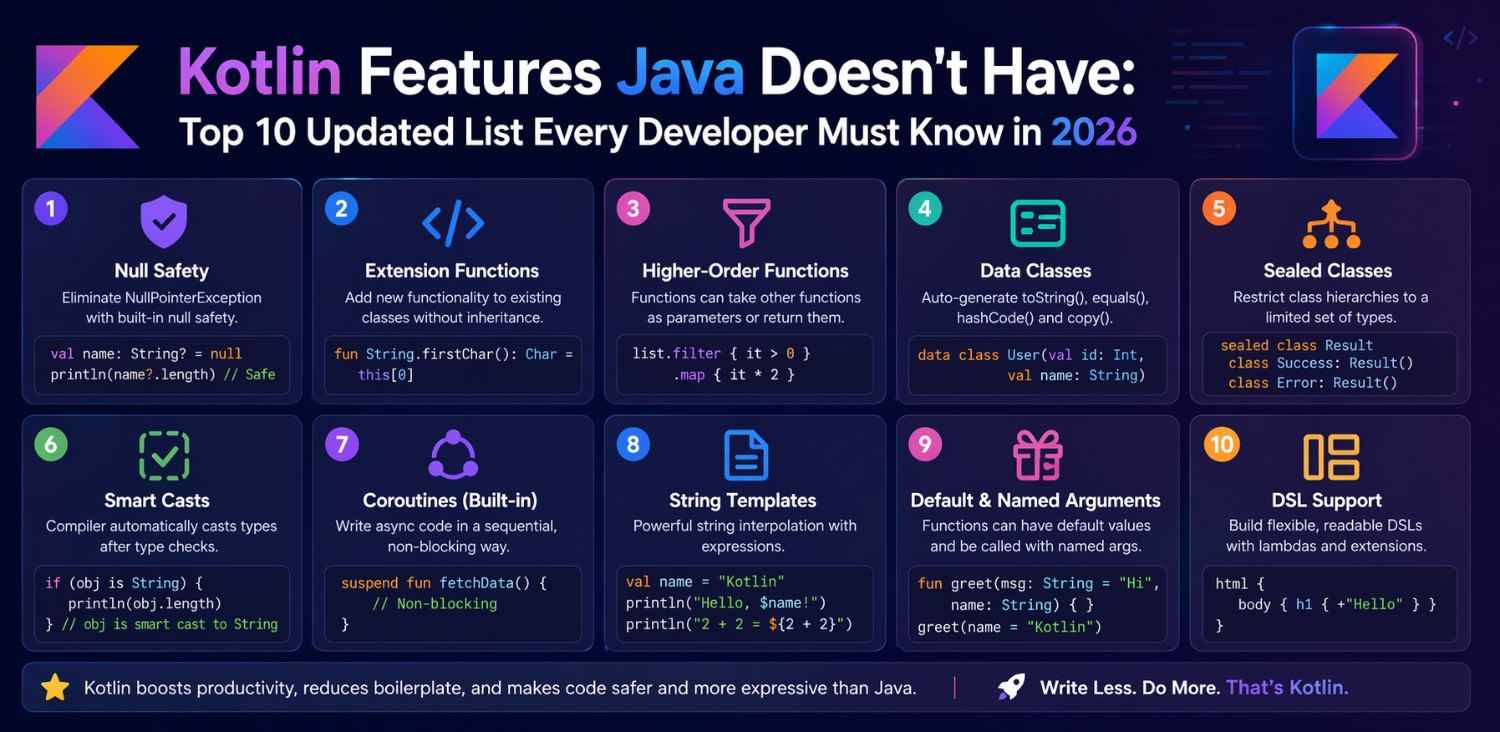
Introduction
If you’ve been writing Java for Android development and keep hearing about Kotlin, you’ve probably wondered — what’s actually different? Not in a marketing sense, but practically. What can Kotlin do that Java genuinely cannot?
The list of Kotlin features Java doesn’t have is longer than most people expect. And more importantly, these aren’t small syntactic conveniences. Several of them solve real problems that Java developers deal with every single day — null crashes, verbose code, complicated async logic, and repetitive patterns that slow down development.
Understanding the Kotlin features Java doesn’t have helps you make informed decisions — whether you’re considering switching, working on a mixed codebase, or just trying to understand why your team’s Kotlin code looks so much more compact than your Java projects. This article goes through the ten most significant ones, updated for 2026, with real Android examples to make each one concrete.
Why This Comparison Still Matters in 2026
Java and Kotlin both run on the JVM. They’re interoperable. A lot of developers assume that because Kotlin compiles to the same bytecode, the two languages must be roughly equivalent with just different syntax.
That assumption undersells the Kotlin features Java doesn’t have significantly. Some of these features affect how you architect entire applications. Others eliminate whole categories of bugs. And a few change how you think about writing code in the first place.
Google has made Kotlin the officially recommended language for Android development. New Jetpack APIs, Jetpack Compose, and official Android samples all use Kotlin. Knowing what Kotlin brings to the table that Java can’t match is genuinely useful knowledge in 2026 — not just trivia.
Feature 1 – Null Safety Built Into the Type System
This is probably the most impactful item on the list of Kotlin features Java doesn’t have — and it’s the one that affects production app quality most directly.
In Java, almost any variable can be null. The compiler doesn’t force you to handle that possibility. So you write code, it looks fine, and then it crashes at runtime with a NullPointerException on a real user’s device.
Kotlin treats nullable and non-nullable types as fundamentally different. If you declare val name: String, that variable cannot be null — the compiler enforces it. If it can be null, you write val name: String? and the compiler forces you to handle the null case before it will compile.
This single feature eliminates an entire class of bugs that Java developers spend significant time debugging. It’s one of the Kotlin features Java doesn’t have that you appreciate most after working with it for a few weeks.
Feature 2 – Data Classes in One Line
In Java, creating a class that just holds data requires a lot of ceremony. You write private fields, a constructor, getters, setters, an equals() method, a hashCode() method, and a toString() method. For a simple three-field data holder, that’s easily 60 to 80 lines.
Kotlin handles this with data classes. One line: data class User(val id: Int, val name: String, val email: String). The compiler automatically generates equals, hashCode, toString, and a copy function.
This is one of the Kotlin features Java doesn’t have natively — Java introduced records in Java 14 as a partial equivalent, but they’re more limited than Kotlin data classes and arrived years after Kotlin already had them. In Android development, data classes are used constantly for API response models, database entities, and UI state objects.
Feature 3 – Extension Functions Without Inheritance
This is one of those Kotlin features Java doesn’t have that genuinely changes how you structure utility code.
In Java, if you want to add a method to an existing class — say, add a toFormattedDate() method to String — you typically create a utility class with a static method. Then you call something like DateUtils.toFormattedDate(myString). It works, but it’s clunky.
Kotlin lets you write extension functions. You define fun String.toFormattedDate(): String { ... } and then call it directly as myString.toFormattedDate(). It reads like the method belongs to the String class, even though you didn’t modify String at all.
In Android development this is incredibly useful. You can add helper functions to View, Context, or any Android class without subclassing. Cleaner code, no inheritance chains, no utility class soup.
Extension Functions in Real Android Code
A common Android example: adding a visible() and gone() extension function to View. Instead of writing view.visibility = View.VISIBLE everywhere, you write view.visible(). The code reads like plain English and the intent is immediately clear. This kind of readability improvement is exactly why Kotlin features Java doesn’t have matter in day-to-day Android work.
Feature 4 – Coroutines for Async Programming
Asynchronous code is unavoidable in Android development. Network calls, database reads, file operations — none of these should block the main thread, or your UI freezes.
Java handles async work through callbacks, threads, or external libraries like RxJava. These solutions work, but callback chains become tangled quickly. Error handling spreads across multiple anonymous classes. Testing async code requires significant setup.
Kotlin Coroutines are one of the most significant Kotlin features Java doesn’t have. They let you write async code that reads almost like synchronous code. A network call becomes val result = apiService.getUser(id) inside a suspend function — no callbacks, no threading boilerplate, just readable sequential logic.
You can learn more about how coroutines work in Android at the official Kotlin coroutines documentation.
Feature 5 – Smart Casts Reduce Redundant Checks
In Java, even after you check whether an object is a certain type, you still have to cast it explicitly before using it. You write if (obj instanceof String) and then String s = (String) obj before you can call any String methods.
Kotlin’s smart cast feature eliminates the second step. After an if (obj is String) check, Kotlin already knows obj is a String inside that block. You can call String methods directly — no explicit cast needed.
Among the Kotlin features Java doesn’t have, smart casts are one of those small-but-constant improvements. You don’t realize how often you cast in Java until you stop having to do it in Kotlin. Over a large codebase, the reduction in noise is noticeable.
Feature 6 – Sealed Classes for Exhaustive State Modeling
Sealed classes are one of the Kotlin features Java doesn’t have that significantly improves how you model app state and handle complex logic branches.
A sealed class defines a restricted hierarchy — you list all possible subclasses, and the compiler knows that list is complete. When you use a when expression (Kotlin’s switch equivalent) on a sealed class, the compiler can verify you’ve handled every possible case. If you add a new subclass later and forget to handle it, you get a compile error, not a runtime bug.
In Android development, sealed classes are commonly used for UI state. You might have a sealed class UiState with subclasses Loading, Success(val data: List<Item>), and Error(val message: String). Your UI layer handles each case, and the compiler guarantees no case is missed.
Java has no native equivalent. Java’s switch statements don’t offer this exhaustiveness guarantee, and the pattern matching improvements in recent Java versions are still catching up to what Kotlin has offered since early versions.
Feature 7 – Default and Named Parameters
In Java, if you want a function that can be called with different combinations of parameters, you write multiple overloaded versions of that function. One with all parameters, one with fewer, one with even fewer — each calling the next with default values.
Kotlin solves this cleanly. You write one function with default parameter values: fun showDialog(title: String, message: String = "", cancelable: Boolean = true). Callers can provide just the title, or the title and message, or all three — whatever they need.
Named parameters are the complementary feature — when calling a function, you can name the arguments: showDialog(title = "Warning", cancelable = false). This makes call sites much more readable, especially for functions with multiple boolean or similar-looking parameters.
These are Kotlin features Java doesn’t have that reduce both the amount of code you write and the chance of calling a function with arguments in the wrong order.
Feature 8 – Object Declarations for True Singletons
Java developers implement the singleton pattern manually — a private constructor, a static instance variable, and a getInstance() method, usually with double-checked locking for thread safety. It’s a known pattern, but it’s boilerplate that every developer writes slightly differently.
Kotlin has the object keyword. Writing object DatabaseManager { ... } creates a singleton automatically. Thread-safe, lazily initialized, no boilerplate. The compiler handles everything.
Among the Kotlin features Java doesn’t have as a first-class language construct, object declarations are one of the most practically useful for Android development — where singletons are common for repositories, database instances, and network clients.
Feature 9 Destructuring Declarations
Kotlin allows you to unpack an object into multiple variables in a single statement. If you have a data class Point(val x: Int, val y: Int), you can write val (x, y) = point and immediately have both values in separate variables.
This works with data classes, lists, maps, and any class that implements the componentN() functions. In Android, it’s commonly used when iterating over map entries or unpacking API response pairs.
It’s one of those Kotlin features Java doesn’t have that you don’t miss until you’ve used it — then going back to Java’s approach of point.getX() and point.getY() feels unnecessarily verbose.
Feature 10 The When Expression as a Powerful Switch Replacement
Java’s switch statement is functional but limited. It works on a narrow set of types, doesn’t return values easily, and requires break statements to avoid fall-through bugs.
Kotlin’s when expression is one of the most versatile Kotlin features Java doesn’t have in a comparable form. It works on any type. It can check ranges, types, conditions, and specific values — all in the same block. It returns a value, so you can use it directly in an assignment. And combined with sealed classes, it becomes exhaustive.
when (uiState) {
    is UiState.Loading -> showSpinner()
    is UiState.Success -> showData(uiState.data)
    is UiState.Error -> showError(uiState.message)
}
No break statements. No fall-through. The compiler verifies coverage. It’s genuinely more powerful than Java’s switch in almost every use case.
For a deeper look at how when expressions work with sealed classes, the Kotlin language reference has thorough examples.
What These Features Mean for Your Android Development
Going through this list of Kotlin features Java doesn’t have isn’t just an academic exercise. Each one has direct consequences for how you write, maintain, and debug Android apps.
Null safety reduces crashes. Data classes reduce boilerplate. Extension functions improve code organization. Coroutines simplify async logic. Sealed classes make state handling safer. Together, these features don’t just make Kotlin different from Java — they make it more productive for the specific kind of work Android developers do every day.
If you’re still working primarily in Java, understanding these features helps you appreciate what a Kotlin migration actually offers. It’s not just syntax. It’s a different set of tools that solve real problems more cleanly.
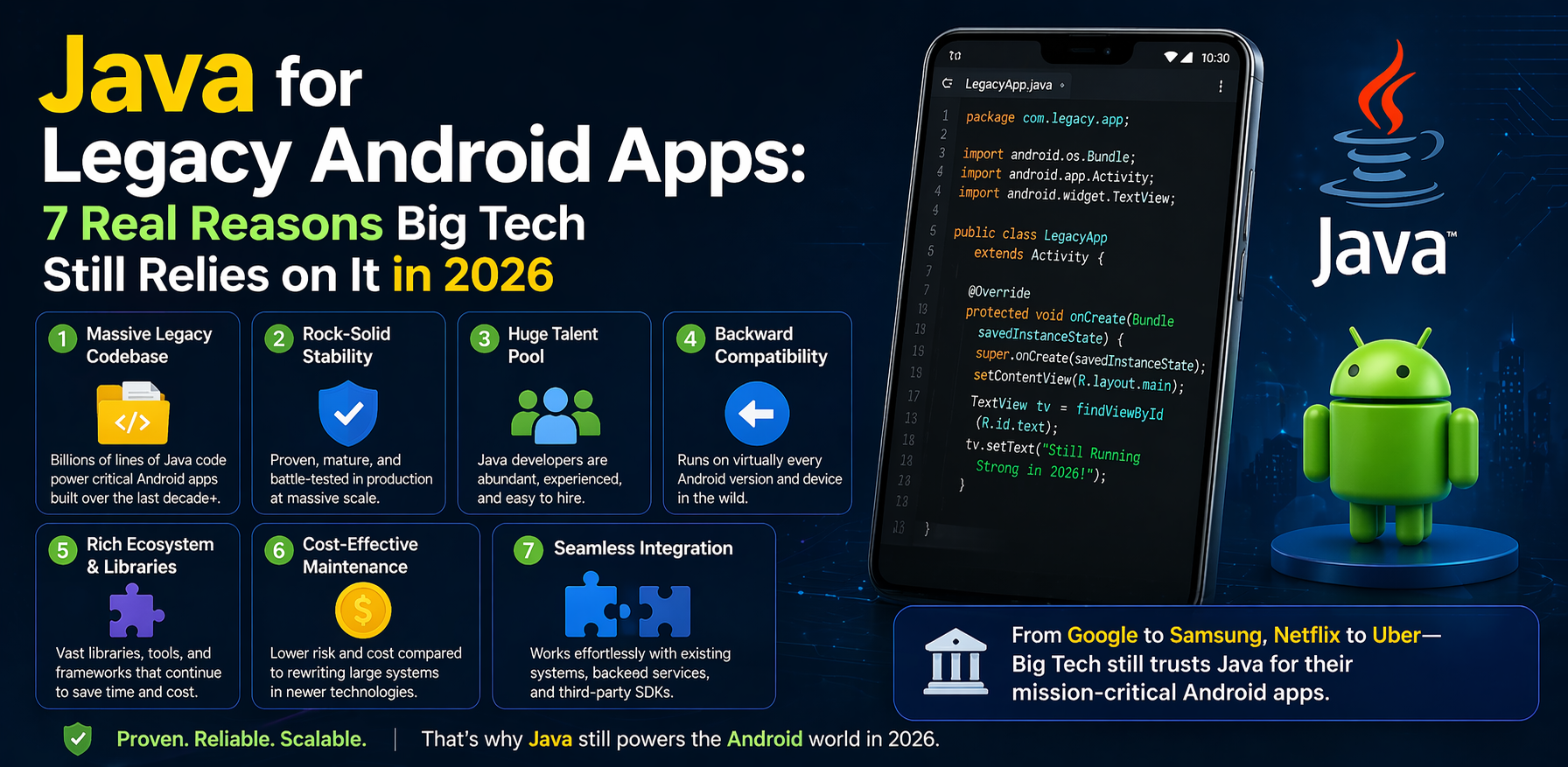
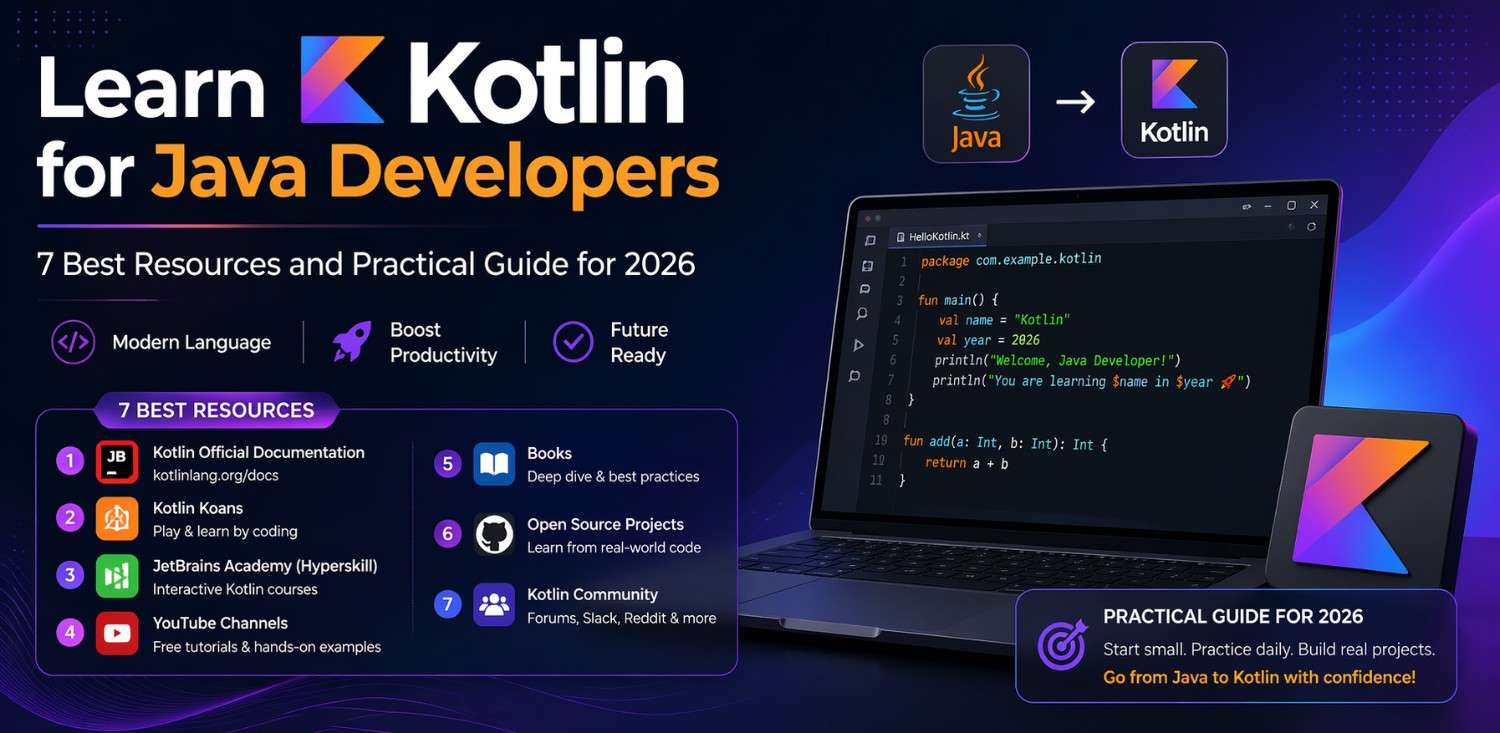
For more context on how to start making the transition, check out our article on Best Resources to Learn Kotlin for Java Developers in 2026 — and for understanding why large codebases stay in Java despite these advantages, read Why Big Tech Companies Still Use Java for Legacy Android Apps.
Final Conclusion
The Kotlin features Java doesn’t have aren’t marketing talking points — they’re practical tools that address real pain points in Android development. From null safety that prevents runtime crashes, to coroutines that make async code readable, to sealed classes that make state modeling safer, each feature on this list exists because it solves a genuine problem that Java either handles clumsily or doesn’t handle at all.
Java is a capable, mature language with a massive ecosystem. But the gap between what Java offers and what Kotlin offers — especially for Android and multiplatform development — has continued to widen in 2026. Knowing where that gap sits helps you write better code, make better architectural decisions, and have more informed conversations with your team about tooling and language choices.
The best time to understand these features was when Kotlin launched. The second best time is right now.